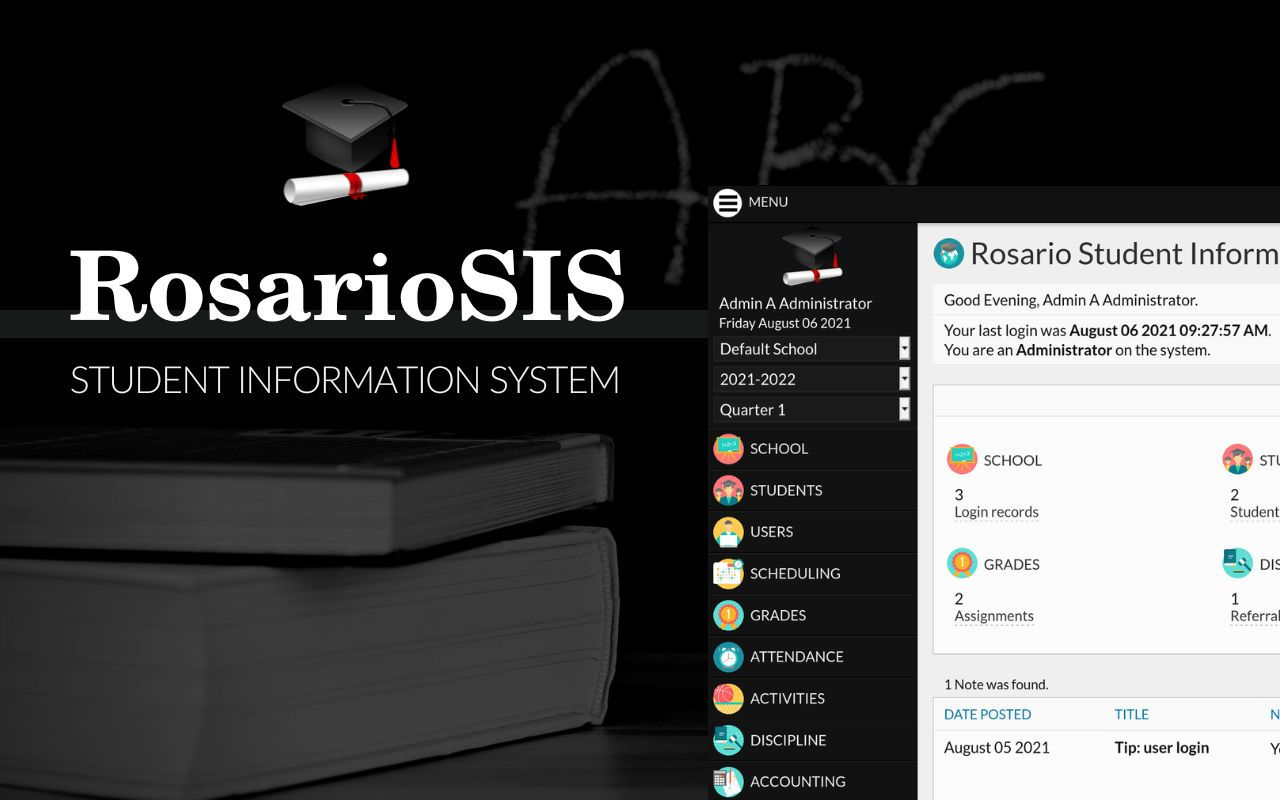
RosarioSIS logo

Solutions for your school

School Management
& Communication


Security, availability and support

FEATURES

Privacy and security
Daily backup
Always available
Responsive design
Multilingual
Dedicated support

Solutions for your school

RosarioSIS is designed to fit your workflow. Manage students, create reports and make the right decisions. Good communication between teacher and students leads to efficient learning. We provide your school with intuitive yet powerful, secure and proven software.

Try RosarioSIS now:

Demonstration
Username and password: admin

Plans & pricing

The rosariosis.com solutions are based on RosarioSIS for school management and communication. We offer the right tools and provide support and security for your school.

Plans

PRIMARY

PREMIUM

Features
  • Unlimited staff and parents — unlimited schools.
Prices €24 per month €36 per month
Subscribe
SERVICES
Support Email Priority email
Security SSL encryption https SSL encryption https
Backup retention 7 days 30 days
APPS
School management Included Included
Modules ▼ Community PREMIUM

School

Included Included
School module screenshot
  • Create schools and edit their information.
  • Easily add information fields about your school.
  • Setup marking periods, school periods and grade levels.
  • Manage and consult the calendar, including school events and student assignments.
  • Create notes and polls.
  • Configure RosarioSIS, activate online registration, modules and plugins.
  • Rollover: roll data and promote students to the next school year.

Students

Included Included
Students module screenshot
  • Add new students and edit their information (enrollment, demographic information, photo, addresses and contacts, medical…).
  • Easily add information fields about your students.
  • Print advanced reports and consult statistics.
  • Print formatted letters and mailing labels to contact your students.
  • Create parent users from student contacts.

Users

Included Included
Users module
  • Add new users (administrators, teachers and parents) and edit their information.
  • Easily add information fields about your users.
  • Easily add new user profiles and configure their permissions.
  • Notify parents who never logged in.

Scheduling

Included Included
Scheduling module screenshot
  • Schedule your students.
  • Possibility to work with requests and the scheduler.
  • Print schedules, class lists, face-books and requests.
  • Consult schedule and requests reports.
  • Spot incomplete schedules and requests.
  • Organize your school’s subjects, courses and course periods.

Grades

Included Included
Grades module screenshot
  • Teachers can create assignments, enter grades in the gradebook and final grades for their students.
  • Students can submit assignments.
  • Print report cards, transcripts and honor roll certificates.
  • Consult reports and statistics on students grades and GPA.
  • Configure the report card grades and comments.
  • Spot anomalous grades.

Attendance

Included Included
Attendance module screenshot
  • Teachers can take attendance for their students and consult summaries.
  • Add absences and comments.
  • Consult reports about attendance and teacher completion.
  • Configure the attendance codes.

Activities

Included Included
Activities module
  • Teachers can automatically report which students are eligible for athletic or extracurricular activities using the gradebook.
  • Consult reports about teacher completion.
  • Configure the activities.

Discipline

Included Included
Discipline module screenshot
  • Add, edit and consult discipline referrals.
  • Consult referral breakdowns.
  • Configure the discipline form.

Accounting

Included Included
Accounting module
  • Manage school incomes and expenses.
  • Manage staff salaries and payments.
  • Consult student, staff and school balance, the daily transactions.
  • Print statements.

Student Billing

Included PREMIUM*
Student Billing module screenshot
  • Manage student fees and payments.
  • Consult student balance, the daily transactions.
  • Print statements.
  • Print invoices and receipts. *
  • PayPal and Stripe integration. *
  • Setup monthly fees. *

Food Service

Included PREMIUM*
Food Service module screenshot
  • Create menus, their items and add daily menus.
  • Serve meals.
  • Manage the food service accounts of the students and the staff.
  • Consult statements, manage transactions.
  • Consult activity and transactions reports, print reminders.
  • Food reservations. *
  • Recipes and ingredients. *
  Add-ons

Student Import

Included PREMIUM*
Student Import module screenshot

Import Students from a CSV or Excel file. Easily bulk upload your student database to RosarioSIS. Import student info (general and custom fields), enroll them and eventually create accounts.

  • Import addresses and contacts (father, mother, guardian…) and their information. *
  • Create Food Service accounts (and assign a barcode). *
  • Generate generic username and password. *
  • Update existing students info. *

User Import

Included Included
Staff and Parents Import module screenshot

Import users from a CSV or Excel file. Easily bulk upload your teachers, staff and parents database to RosarioSIS. Import user info (general and custom fields) and eventually create accounts. Associate students with parents.

Grades Import

Included Included

Import grades (gradebook grades or final grades) from CSV or Excel file. Easily bulk upload your grades’ sheet to RosarioSIS.

Timetable Import

Included Included

Import timetable from CSV or Excel file. Easily bulk upload your course periods database to RosarioSIS. Compatible with FET, free Timetabling software.

Staff Absences

Included Included
Staff Absences module screenshot

Track staff absences (sick, leave, vacation, etc) and cancelled classes. When adding an absence, the user can send an email notification to the selected teachers and administrators. When adding an absence for or as a teacher, an email notification can be sent to students or parents having students enrolled in the selected course periods.

  • The Cancelled Classes report lists cancelled course periods for the selected timeframe.
  • The Days Absent Breakdown report lets you visualize absent days per month, staff or any other field.

Email

Included PREMIUM*
Email Parents module screenshot

Send bulk and personalized email messages to students, parents and other users.

3 programs will let you send Report Cards, Discipline Logs and Student Balances to parents or students, directly from within RosarioSIS. *

Notifications: *

  • Absence notifications, after X registered absences.
  • Birthday notifications.
  • Payment reminders (outstanding fees), X days before or after due date.
  • Instant notifications when students are late or absent.
  • New assignment notifications.

Messaging

Included PREMIUM*
Messaging module screenshot

Internal messaging system for communication between administrators, teachers, parents and students. It features an easy-to-use text editor (TinyMCE) that allows images / photos upload.

  • Attach file to message. *
  • Email notification on new message. *
  • Use substitutions in messages. *
  • Send again link (from sent messages list). *

Class Diary

Included PREMIUM*
Class Diary module screenshot

For each course period, teachers can write some (rich) text about their class. The entries are added to the diary and can later be consulted by students, parents and administrators. Teachers can for example record a summary of what has been achieved or taught during the class.

  • Attach file(s) to entries. *
  • Enable comments per diary. *
  • Send email reminder to teachers who did not add an entry for yesterday’s classes. *

Lesson Plan

Included PREMIUM*
Lesson Plan module screenshot

For each course period, teachers can write some (rich) text about their lessons, their objectives and each of their parts’ activities and resources via dedicated text inputs. The lessons are added to the plan and can later be consulted by students, parents and administrators.

  • Attach file(s) to lessons. *
  • Teachers can evaluate past lessons. *
  • Send email reminder to teachers who did not add a lesson for next week’s classes. *

SMS

Included PREMIUM*
SMS module screenshot

Send SMS (text messages) to your students' or users' mobile phone. Simply configure your preferred gateway, and you are ready to go. The Outbox program lets you consult sent messages and easily send a new SMS to the same recipients.

  • Numerous gateways to choose from.
  • Use substitutions in messages: includes sending GPA to students. *
  • Send absence notification to parents. *
  • Automatically send (child’s) birthday notifications to parents. *
  • Automatically send payment reminders (outstanding fees) to parents, X days before or after due date. *

Library

Included PREMIUM*
Library module screenshot

Manage your school library documents (book, magazine, CD, etc.) and lend them to students, parents and staff. Documents are organized in categories. Loans history, for each user and document, can be consulted.

  • Document Fields: add custom fields (type, ISBN, collection, editor, language, state, etc.) *
  • Limit document category visibility to selected user profiles and grade levels. *
  • Upload and attach file (PDF, epub, MP3, etc). *
  • Search documents globally by reference, title, author and year. *
  • Return comment. *
  • Quick Loan: quickly search and lend a document. *
  • Portal and automatic email notifications when documents are late/past due date. *
  • Admin dashboard integration. *

Quiz

Included PREMIUM*
Quiz module screenshot

Teachers can create their own quizzes through the questions and answers database. Decide whether to show correct answers to students and display questions in random order.
Students can take their tests / quizzes online. Additionally, select, multiple, gap fill and text question types can be graded automatically.

  • Copy quiz from last year *
  • Search questions *
  • Answer Breakdown: Identify questions for which students have difficulties to answer *

Hostel

Included PREMIUM*
Hostel module screenshot

Manage your school hostel (dormitory, boarding school) rooms and assign them to students. Rooms are organized in buildings. You can attribute a room to various students, within the limit of its capacity. A report allows you to list all rooms, and optionally the students who rent them.

  • Room and Building Fields: add custom fields (address, type, etc.) *
  • Rental Fees *
  • Widget: search students by building or room *
  • Add “Room” field to Advanced Report and Print Class List *
  • Visits tab (Student Info screen): keep track of visitors to students’ rooms *

Entry and Exit

Included PREMIUM*
Entry and Exit module screenshot

Record coming and going of students and users at determined checkpoints. Track package deliveries. Allow evening leaves.

  • Automate actions with the help of the NFC/QR Actions module (see below).
  • Setup automatic records for given days of the week, time and checkpoint (and exceptions). *
  • Take Attendance program: integration with entry or exit records. *

TTHotel Smart Locks

PREMIUM
TTHotel Smart Locks module screenshot

Manage student or user access, consult smart lock records. Access via NFC card only.

  • Configuration: enter the TTHotel API integration details
  • Smart Locks: add smart locks and associate them to a checkpoint. Consult records (unlock, other) of a smart lock.
  • Accounts: create (or delete) accounts (NFC card, eKey, or password) for students and users
  • Access: add, edit or remove access to/from a smart lock

Billing Elements

PREMIUM
Billing Elements module screenshot

Define, categorize, sell, track and generate reports (charts) for billing elements / items. Billing elements are typically books, courses, school trips or any item you sell to students.

Elements can be offered to students and their parents for purchase. When a student or a parent accesses the Billing Elements module, it will be displayed as a “Store” where they can purchase an element if they have sufficient funds. When a course is purchased, the student is automatically enrolled.

Student ID Card

Included Included
Student ID Card module screenshot

Print student identity cards (or badges) for any number of students using substitutions.

The student ID card content is customizable (text, photo position and size, background image, and padding).

NFC/QR Actions

Included Included
NFC/QR Actions module screenshot

Scan the QR code or the NFC tag to automatically perform actions. A new browser tab will open. Here are examples of possible actions:

  • Display the student / user info
  • Serve meals (Food Service module)
  • Serve meals and preselect items based on user reservation (Food Service Premium module)
  • Record an entry (at a checkpoint) or a package delivery (Entry and Exit module)
  • Return a document in one click or lend a document (Quick Loan) (Library Premium module)

Reports

Included Included
Reports module screenshot

Generate reports for your school. Generate and save reports: perform calculations using your students and their data as variables; get student breakdowns. Useful for State reporting.

Jitsi Meet

Included Included
Jitsi Meet module screenshot

Use Jitsi Meet to allow students and users (admin, teachers, or parents) to participate into virtual conference rooms with video and audio capabilities.

  • A room where all participants can meet each other.
  • Automatic customization of the room’s subject and the name/avatar of the participants.

Moodle plugin

Included Included
Moodle plugin

Integrate RosarioSIS with Moodle Learning Management System (LMS). Points of integration:

  • Students, parents and teachers are automatically created, updated and deleted.
  • Subjects, courses and course periods are automatically created, updated and deleted.
  • Automatically schedule or drop students from a course period.
  • Events and assignments are automatically added to and removed from the Moodle calendar.
  • Portal notes are automatically created, updated and deleted.

Google or Microsoft SSO

Included Included
Google logo icon

Log into RosarioSIS with a Google (Gmail) account, or with a Microsoft (Office 365, Outlook) account. This is known as Single Sign-On.

PDF Header & Footer

Included PREMIUM*

Public Pages

Included PREMIUM*
Public Pages plugin screenshot

Publish your school info, events / agenda, marking periods and courses directory. Visitors who cannot log in can access this information publicly.

  • Handle multiple schools. *
  • Staff (teachers and administrators) directory. *

Templates

PREMIUM
Templates plugin screenshot

Teachers and administrators can add their templates with their own text, formatting and substitution codes.

  • Administrators can create “Global” templates for reuse by other users.
  • Integrates with the Students > Print Letters, Grades > Report Cards (Free Text), Grades > Honor Roll programs and the Email module.

Email Alerts

PREMIUM
Email Alerts module screenshot

Administrators can setup alerts which are sent to their personal email address when a certain condition is reached. Conditions involve students data like attendance (absences), grades, discipline referrals or balance.

Paypal or Stripe Registration

PREMIUM
PayPal logo icon

Integrate student self-registration / “Create Student Account” form with PayPal or Stripe (student is enrolled on completed payment) and, optionally, Moodle LMS (account creation).

Automatic upgrades Included Included
Custom app logo Included
Subscribe

FREE TRIAL Sign up now and get 30 days free!


Commonly Asked Questions

  • Can I switch from the PRIMARY plan to the PREMIUM plan (and vice versa)?
    Yes, you can change your plan at any time.
  • What happens when I reach the students limit?
    Your plan automatically grows with your school.
  • I have more than 1000 students; what is the price?
    Contact us, and tell us more about your needs.
  • Can you customize the system to meet our school's needs?
    Yes, we offer development services (custom reports and modules, integrations).


RosarioSIS Student Information System is trusted by thousands of schools. We at rosariosis.com provide schools with RosarioSIS hosting and help them get up and running quickly, with dedicated support. Do you have questions, or would you like to schedule a demo? Please contact us.

Already have an account? Login here.